
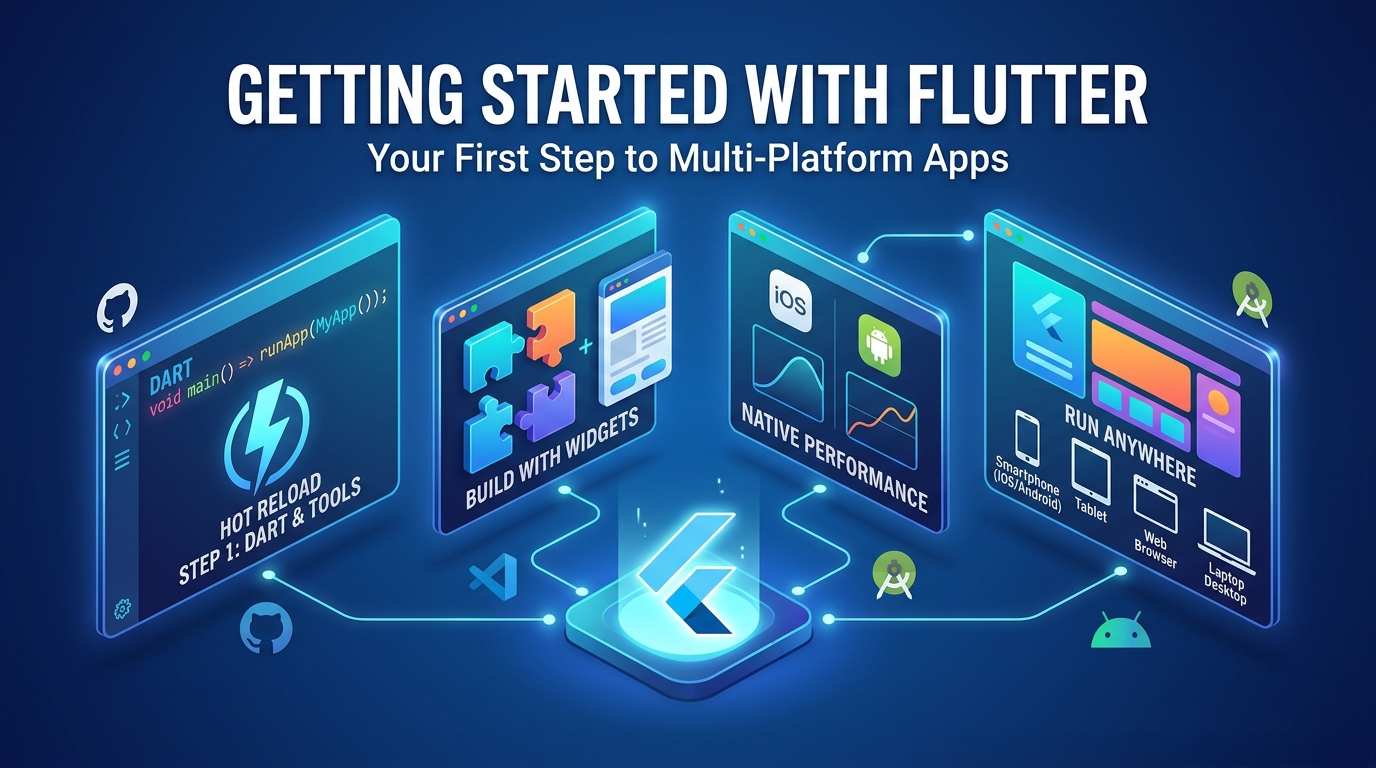
If you’ve been curious about cross-platform mobile development — building one codebase that runs on both iOS and Android — Flutter is one of the most compelling options available today. This guide covers what Flutter and Dart are, how they fit together, how to create your first project, and — critically — where Flutter shines and where it falls short.
What Is Flutter?
Flutter is an open-source UI toolkit developed by Google. Rather than wrapping native platform controls, Flutter draws every pixel of its UI itself using its own rendering engine (Skia, and now Impeller on newer versions). This means a Flutter app looks and behaves identically on iOS, Android, web, macOS, Windows, and Linux — from a single codebase.
Flutter was first released publicly in 2018 and has grown into a mature, production-ready framework used by companies like BMW, Alibaba, and eBay Motors.
Key characteristics:
- Single codebase — write once, deploy to multiple platforms
- Compiled to native ARM code — not interpreted, not a WebView
- Rich widget library — Material Design (Android-style) and Cupertino (iOS-style) widgets built in
- Hot reload — see UI changes in under a second without losing app state
- Strong ecosystem — thousands of packages on pub.dev
What Is Dart?
Dart is the programming language that powers Flutter. It was also created by Google, first appearing in 2011, and has been significantly refined over the years. Dart is a statically typed, object-oriented language with a syntax that will feel familiar if you’ve worked with Swift, Kotlin, Java, or C#.
Why Dart instead of JavaScript, Swift, or Kotlin?
Google designed Dart specifically to meet the demands of UI development:
- Ahead-of-time (AOT) compilation produces fast native binaries for release builds
- Just-in-time (JIT) compilation during development enables hot reload
- Strong typing with null safety catches errors at compile time, not runtime
- Async/await support is built in and idiomatic — essential for network calls and I/O
- Single-threaded with isolates — Dart avoids shared-memory concurrency bugs by using message-passing between isolates
If you’re coming from Swift, you’ll find Dart’s syntax comfortable. Generics, optionals (via null safety), closures, and protocol-like abstract class patterns are all present. The learning curve is gentle.
A quick Dart example:
class Location {
  final double latitude;
  final double longitude;
  final String? label; // nullable String

  const Location({
    required this.latitude,
    required this.longitude,
    this.label,
  });

  @override
  String toString() => label ?? '$latitude, $longitude';
}

void main() async {
  final loc = Location(latitude: 33.9137, longitude: -97.1384, label: 'Klyde Warren Park, Dallas, TX');
  print(loc); // Output: Klyde Warren Park, Dallas, TX
}
Basic Project Structure
A Flutter project follows a consistent directory layout:
my_app/
├── lib/
│   └── main.dart          # Entry point — your app starts here
├── test/
│   └── widget_test.dart   # Widget tests
├── ios/                   # iOS-specific native code and project
├── android/               # Android-specific native code and Gradle project
├── web/                   # Web target (if enabled)
├── macos/                 # macOS target (if enabled)
├── pubspec.yaml           # Project manifest — dependencies, assets, metadata
├── pubspec.lock           # Locked dependency versions
└── README.md
The key files to understand:
lib/main.dart— This is wherevoid main()lives and where your root widget is defined. Everything flows from here.pubspec.yaml— Your project’s manifest. You declare dependencies (likehttp,provider,go_router), fonts, and asset paths here.ios/andandroid/— These are full native project directories. You’ll rarely need to edit them directly, but they’re required for platform-specific capabilities like signing, push notifications, and entitlements.
As a project grows, most Flutter developers organize lib/ into subdirectories by feature or layer:
lib/
├── main.dart
├── src/
│   ├── features/
│   │   ├── settings/
│   │   └── home/
│   ├── models/
│   ├── services/
│   └── widgets/
Getting Started: Your First Flutter Project
1. Install Flutter
Download the Flutter SDK from flutter.dev and follow the installation instructions for your platform. Then run the diagnostic tool to confirm your environment is ready:
flutter doctor
This checks for Xcode (for iOS), Android Studio (for Android), connected devices, and any missing dependencies.
2. Create a New Project
flutter create my_app
This scaffolds a working counter app with all platform runners in place. You can control the output with flags:
flutter create \
  --org com.yourcompany \
  --template skeleton \
  --platforms ios,android \
  my_app
The --template skeleton flag is recommended over the default — it produces a more realistic starting structure with a list/detail view, localization setup, and theming, rather than the toy counter demo.
3. Run the App
cd my_app
flutter run
Flutter will detect connected devices or simulators and launch the app. With a simulator running, you’ll have hot reload available — press r in the terminal to reload, or R for a full restart.
4. What You’re Looking At in main.dart
import 'package:flutter/material.dart';

void main() {
  runApp(const MyApp());
}

class MyApp extends StatelessWidget {
  const MyApp({super.key});

  @override
  Widget build(BuildContext context) {
    return MaterialApp(
      title: 'My App',
      home: Scaffold(
        appBar: AppBar(title: const Text('Hello Flutter')),
        body: const Center(child: Text('Welcome')),
      ),
    );
  }
}
Everything in Flutter is a widget — the app itself, the scaffold, the text, the padding. Widgets are immutable descriptions of UI; Flutter rebuilds them efficiently when state changes.
App Store and Play Store Compatibility
Flutter apps can be submitted to both the Apple App Store and Google Play Store, but there are important nuances to understand before committing to it.
Apple App Store
Flutter apps compile to native ARM binaries via Xcode and are packaged as standard .ipa files. Apple has no special restrictions on Flutter as a framework — it is treated the same as any other native app.
What works:
- Full App Store submission and distribution
- TestFlight beta distribution
- In-App Purchases via
in_app_purchasepackage (StoreKit 2 support has improved but lags behind native Swift implementations) - Push Notifications via
firebase_messagingorflutter_local_notifications - Sign in with Apple
- App Clips (with extra native configuration)
- Privacy manifest requirements (Flutter 3.19+ includes the required
PrivacyInfo.xcprivacy)
Things to be aware of:
- Xcode is still required to build and sign iOS apps. You cannot build for iOS on a non-Mac machine.
- Privacy Nutrition Labels — you’ll need to accurately disclose what data Flutter and any third-party packages collect. Some popular packages (Firebase, for example) collect data that must be declared.
- App Review — Apple reviews Flutter apps the same way as any other app. There are no Flutter-specific rejection reasons, but reviewers do test on real devices.
- Binary size — Flutter apps have a larger minimum binary size (~8–10 MB baseline) compared to a minimal native SwiftUI app, due to the embedded Flutter engine.
Google Play Store
Flutter has excellent Android support and Google Play submission is straightforward.
What works:
- Full Play Store submission
- App Bundle (
.aab) format, which Play uses for size-optimized delivery - Play Billing (In-App Purchases)
- Firebase integration
- Adaptive icons and splash screens
Things to be aware of:
- Target API level requirements — Google Play enforces minimum target SDK levels. Flutter’s toolchain keeps pace with these requirements, but you need to stay on a reasonably current Flutter version.
- 64-bit requirement — Flutter produces 64-bit binaries by default, so this is handled for you.
What Flutter Is Good For
Flutter excels in scenarios where UI consistency, development speed, and cross-platform reach matter most:
- Content-driven apps — news readers, recipe apps, catalog browsers, dashboards
- E-commerce and retail apps — product listings, carts, checkout flows
- Business and enterprise internal tools — forms, data displays, workflows
- Startups and MVPs — ship to both stores from one codebase, fast
- Apps where you own the full UI — if your design system is custom rather than strictly platform-native, Flutter’s pixel-perfect rendering is an advantage
- Cross-platform ambitions — a single codebase that also targets web, macOS, and Windows with relatively little additional work
- Teams with web/backend backgrounds — Dart is easier to onboard for JS/Java/C# developers than Swift or Kotlin
What Flutter Is Not Good For
This is the section most Flutter tutorials skip, and it matters — especially if your background is in native iOS development for professional workflows.
Deep Device Hardware Access
Flutter’s plugin architecture creates a bridge between Dart and native platform code. For well-supported hardware like the camera and GPS, this works fine. But for lower-level hardware, you either need to write your own platform channel code (in Swift/Kotlin) or depend on a third-party package that may not be maintained.
Hardware that is awkward or unsupported without custom native code:
- Accelerometers and gyroscopes — the
sensors_pluspackage provides basic access, but raw, high-frequency sensor data for applications like aerobatics recording or precision motion analysis is much better handled natively - Barometer / altimeter — limited, single-value access; not suitable for precision altitude work
- CoreMotion / CoreLocation advanced features — significant gravity, device motion, heading with calibration, and background location modes require native Swift code
- ARKit / ARCore — augmented reality is technically possible but painful; native implementations are dramatically more capable
- Core Bluetooth (BLE) — the
flutter_blue_pluspackage covers common cases, but complex GATT profiles and foreground service management hit limitations quickly - CoreNFC / UWB — minimal Flutter support; essentially requires native plugin code
- HealthKit / Health Connect — covered by packages, but deep integration (workouts, ECG, background delivery) often requires dropping to native
Platform-Native Feel and Behavior
Flutter renders its own widgets — it does not use UIKit, SwiftUI, or Android’s native Views. This means:
- Native navigation gestures may not feel identical to a pure UIKit/SwiftUI app, though Flutter’s Cupertino widgets approximate them well
- Accessibility (VoiceOver / TalkBack) is functional but requires deliberate effort and testing — it does not come for free the way it does with native controls
- Platform-specific UI conventions (like share sheets, system alerts, and action sheets) may look slightly different unless you use the Cupertino widget set carefully
- Text rendering and selection behavior can differ subtly from platform-native behavior
Performance-Critical or CPU-Intensive Work
Flutter UI runs on the main thread with a separate GPU thread. For most apps this is fine. However:
- Heavy computation (signal processing, image analysis, large data transforms) should be offloaded to Dart isolates, which adds complexity
- Rust FFI — something I use heavily in GeoLog and GeoReturn via Rust libraries I written
location-kit,astrometry-kit, andphotography-kit— are not supported in Flutter/Dart in the way it is in Swift. Dart FFI exists but the toolchain integration for complex Rust libraries is considerably more involved than Swift’sbindgen-based approach.
Apps That Are Already Deep in Apple Frameworks
If your app is already tightly coupled to SwiftUI, SwiftData, CloudKit, StoreKit 2, Live Activities, Dynamic Island, WidgetKit, or Core Data, a Flutter rewrite would mean abandoning all of that work and re-implementing it through plugins — many of which have partial coverage of the native API surface.
Summary
| Flutter | Native (Swift/Kotlin) | |
|---|---|---|
| Cross-platform from one codebase | ✅ | ❌ (separate codebases) |
| App Store / Play Store compatible | ✅ | ✅ |
| Deep hardware access | ⚠️ Partial | ✅ Full |
| Platform-native UI conventions | ⚠️ Approximate | ✅ Native |
| Rust FFI integration | ⚠️ Complex | ✅ First-class |
| SwiftData / CloudKit / Live Activities | ❌ | ✅ |
| Good for MVPs and cross-platform reach | ✅ | ⚠️ Costly |
| Learning curve (Swift/Kotlin background) | Low–Medium | Familiar |
Flutter is an excellent tool for the right project. For apps that prioritize cross-platform reach, custom UIs, and content-driven experiences, it is hard to beat. For apps that need deep integration with Apple’s platform frameworks, precision sensor access, or tight Rust FFI workflows, native Swift remains the stronger choice.
Have questions about Flutter or cross-platform mobile development? Drop a comment below.
Leave a Reply